A real-world example showing how streamlined specialist referrals can be — featuring LifeHeart Cardiology
LifeHeart Cardiology provides their referral form as a TELUS PS Suite-compatible .cfm file with pre-populated fields — so physicians can generate a complete, faxable consultation request directly from a patient's chart in minutes. This guide walks your clinic team through the one-time setup.
Smart Clinic Systems is not affiliated with LifeHeart Cardiology. We are highlighting them as an excellent example of how specialist clinics can make it easier for referring physicians to send streamlined, pre-populated consultation requests.
Setup Time
One-time installation
Go to the LifeHeart Cardiology referral page and look for the TELUS PS Suite .cfm download. The filename will clearly identify it as the LifeHeart Cardiology Referral Form.
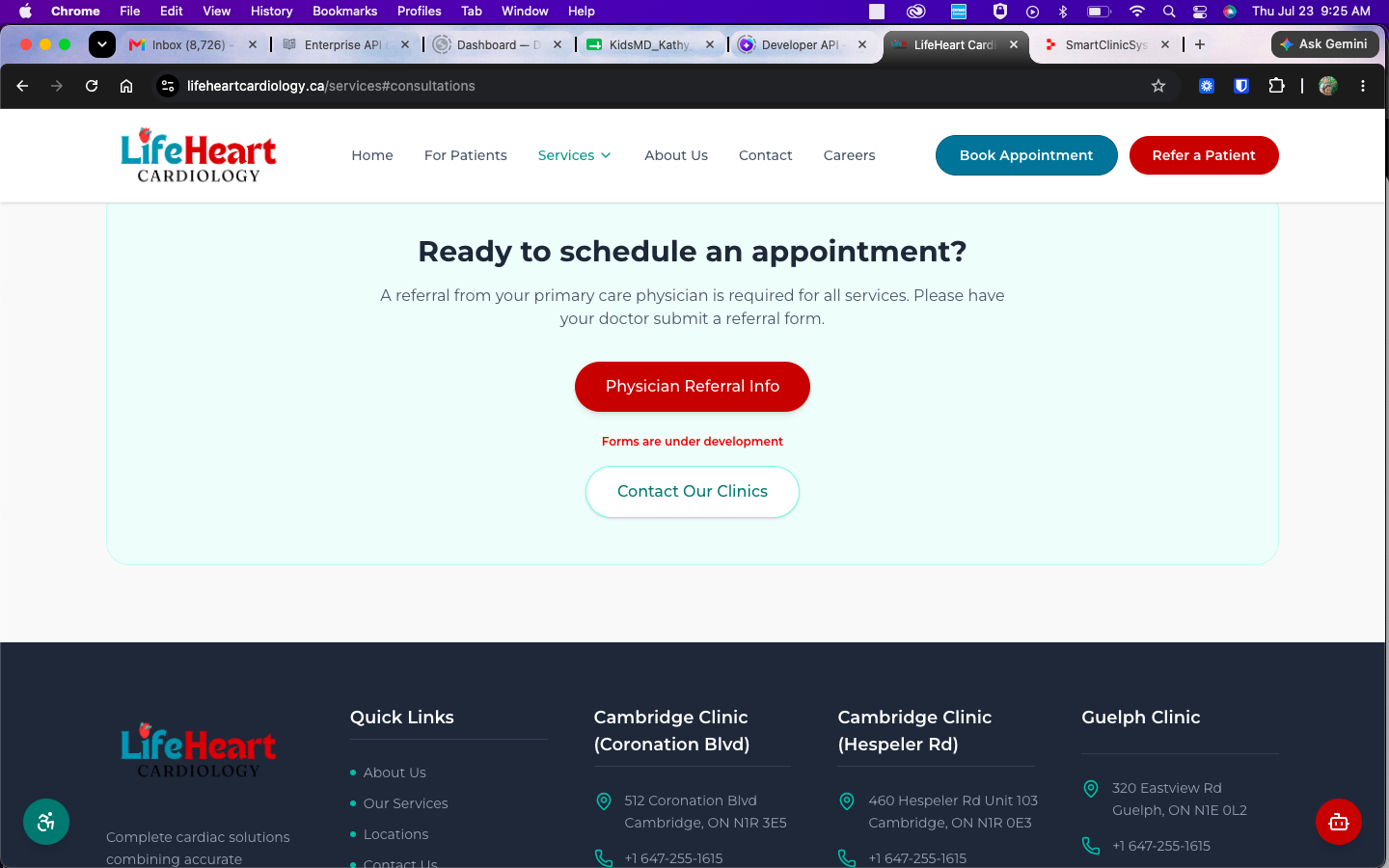
.cfm file is a custom form designed for TELUS PS Suite. Unlike a regular PDF, a properly configured PS Suite form can use information already stored in the patient's chart, helping your clinic prepare referrals more quickly and accurately.
Click the download button and save the .cfm file to your computer. In most cases, it will be saved automatically in your Downloads folder.
.cfm file in its original format — do not rename or convert it before importing.
Sign in to TELUS PS Suite and open the main Records window. You do not need to enter any patient information during the initial installation. The form is being added to your clinic's available custom forms so it can be used later from individual patient records.
From the PS Suite Records window, select:
This will open the area where your clinic's available custom forms are managed.
In the Forms window, select Add. Browse to the folder where you saved the LifeHeart Cardiology .cfm file — usually:
Select the file and follow the on-screen prompt to add or import it.
Once the import is complete, look through the available custom forms and confirm that the LifeHeart Cardiology Referral Form appears in the list.
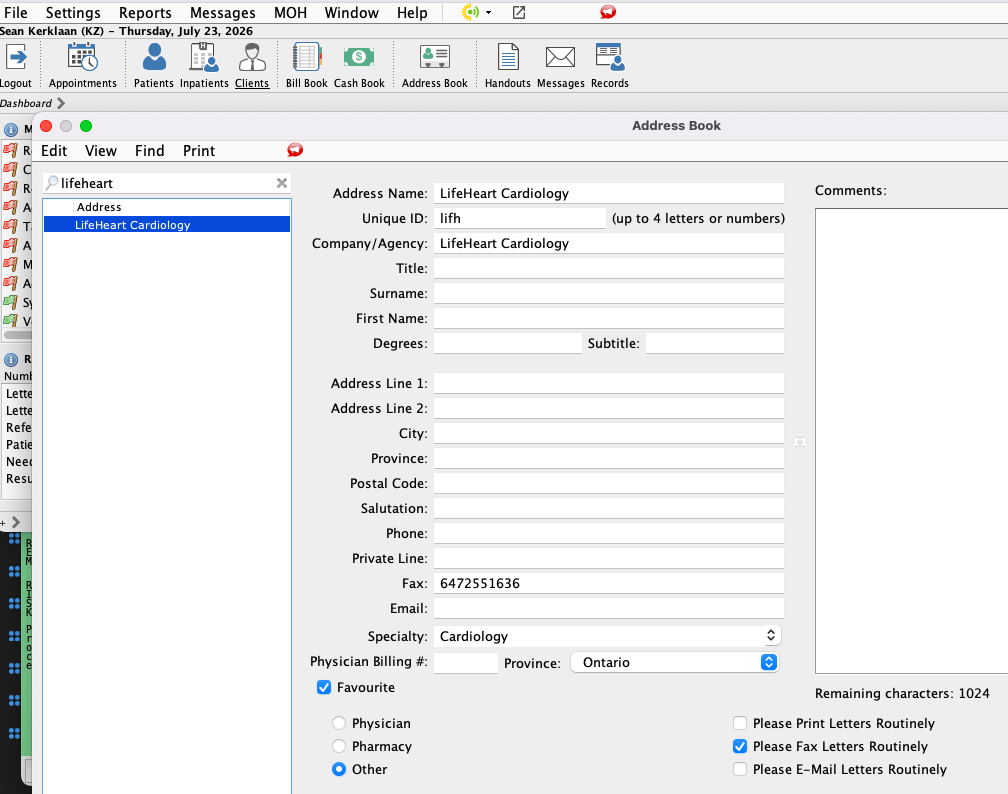
Adding LifeHeart Cardiology as a contact helps PS Suite recognize the clinic and makes it easier to fax completed referrals to the correct destination.
| Clinic | LifeHeart Cardiology |
| Website | lifeheartcardiology.ca |
| Default Delivery | Fax |
| Fax Number | +1 647-255-1636 |
After the one-time installation is complete:
Screenshot 9: LifeHeart Cardiology referral form opened in a demonstration patient record
lifeheart-cardiology-referral-form-ps-suite.webp
Once installed, the LifeHeart Cardiology form becomes part of your clinic's PS Suite workflow. There is no need to download a new copy for every patient.
A few minutes of setup can make future cardiology referrals faster and easier for the entire clinic team.
.cfm file into Documents, My Documents or a clinic-approved shared folder. PS Suite access permissions can differ between clinics and workstations.Smart Clinic Systems can help your clinic import, test or troubleshoot the form.
Get Help with a PS Suite FormThe LifeHeart Cardiology .cfm form was prepared for use within TELUS PS Suite by Smart Clinic Systems. Smart Clinic Systems creates practical custom EMR forms that help medical clinics reduce repetitive data entry, improve referral workflows and make commonly used forms easier to complete.
This guide provides general workflow information. TELUS PS Suite menus, permissions and configurations can vary between clinics. Clinic users remain responsible for verifying patient information, referral details, recipient information and fax numbers before transmitting a referral. TELUS and PS Suite are trademarks of their respective owners. Smart Clinic Systems and LifeHeart Cardiology are not representing this guide as official TELUS Health documentation.